
Accessibility Tutorials (Panorama)
Special | A | B | C | D | E | F | G | H | I | J | K | L | M | N | O | P | Q | R | S | T | U | V | W | X | Y | Z | ALL
U
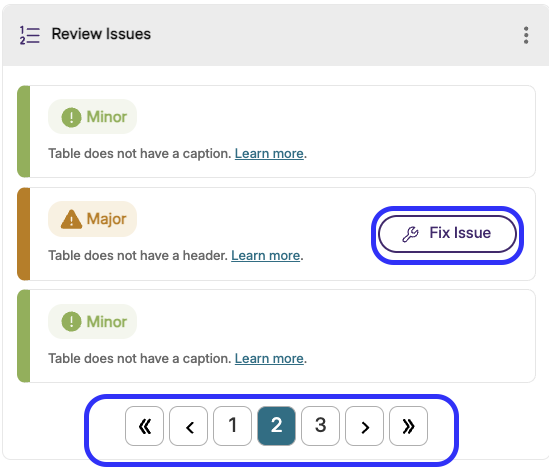
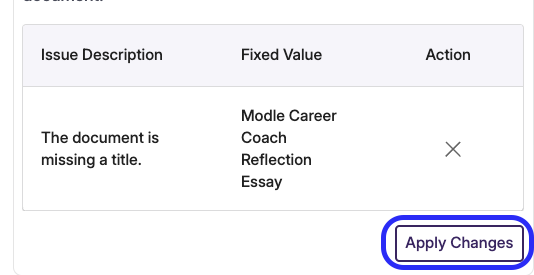
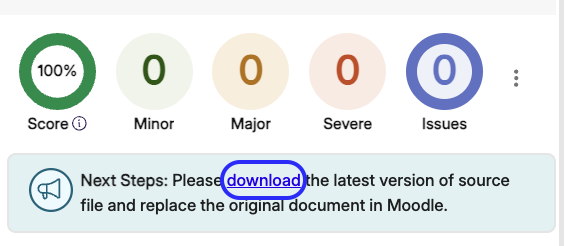
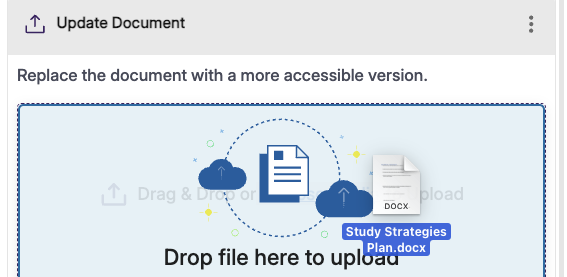
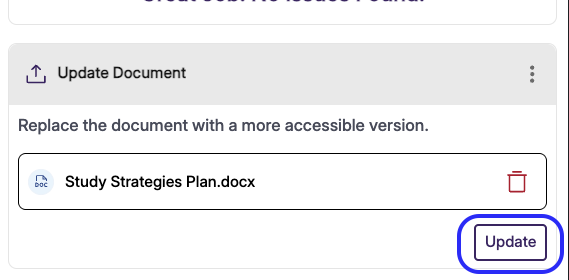
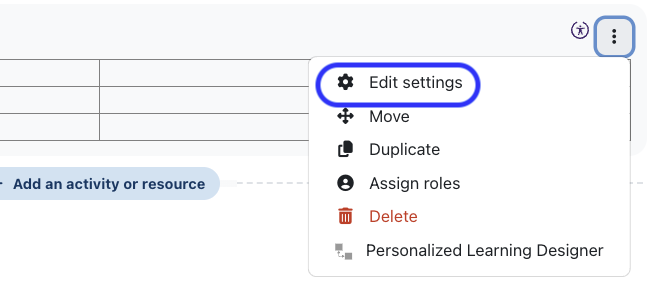
Updating Documents for Accessibility (using Panorama)In this tutorial, you will learn how to update Documents that are housed in Moodle using Panorama.
| |||||||||||||||||||||||||||


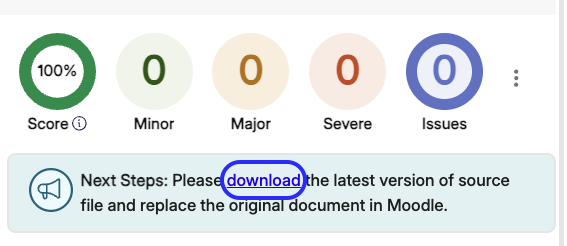
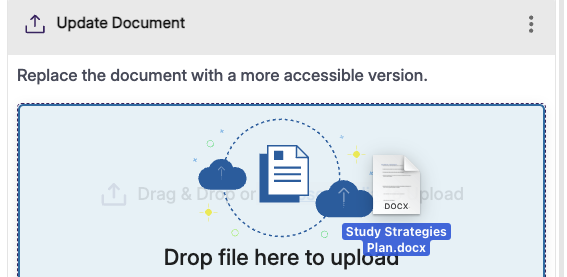
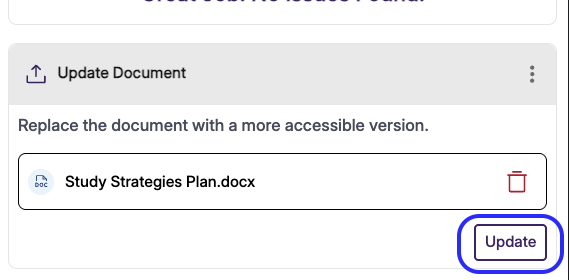
Updating PowerPoints for Accessibility (using Panorama)Updating PowerPoints for Accessibility (using Panorama)In this tutorial, you will learn how to update PowerPoints that are housed in Moodle using Panorama.
| |||||||||||||||||||||||||||

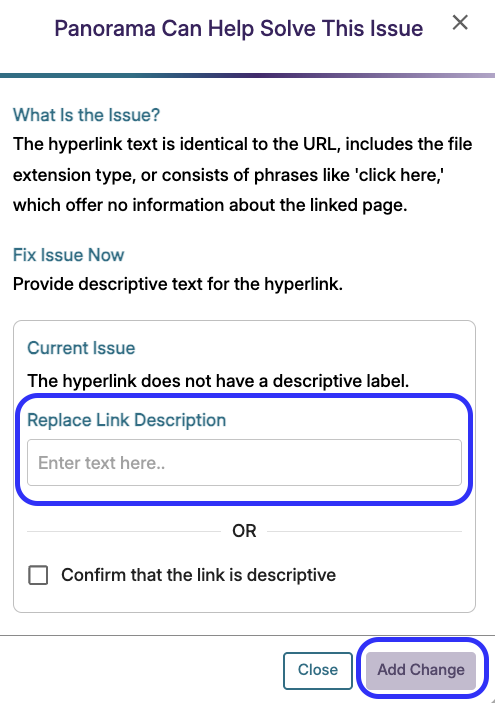
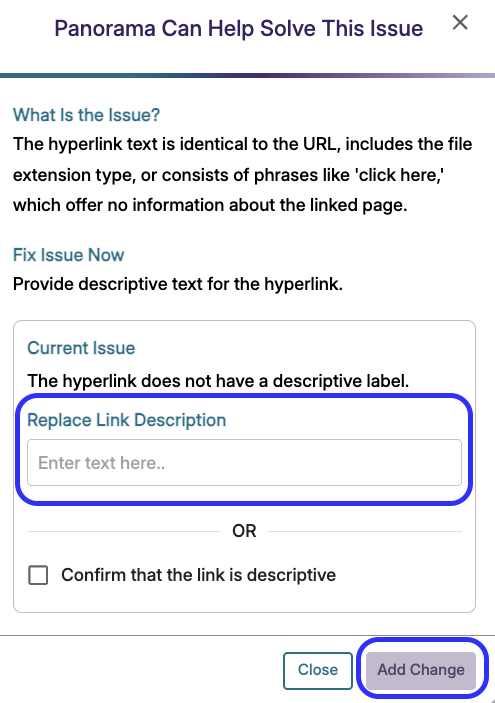
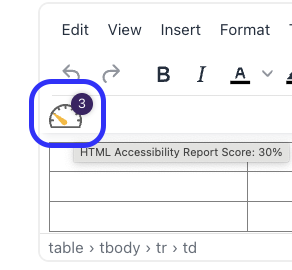
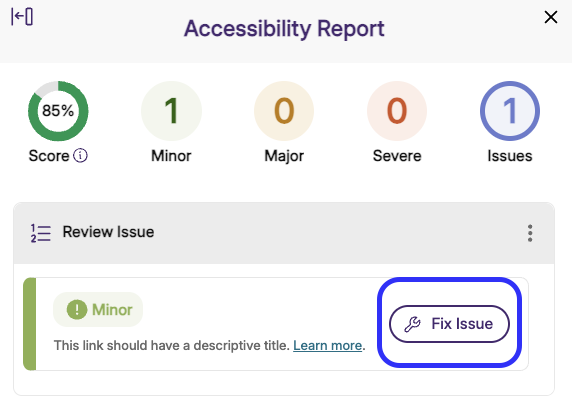
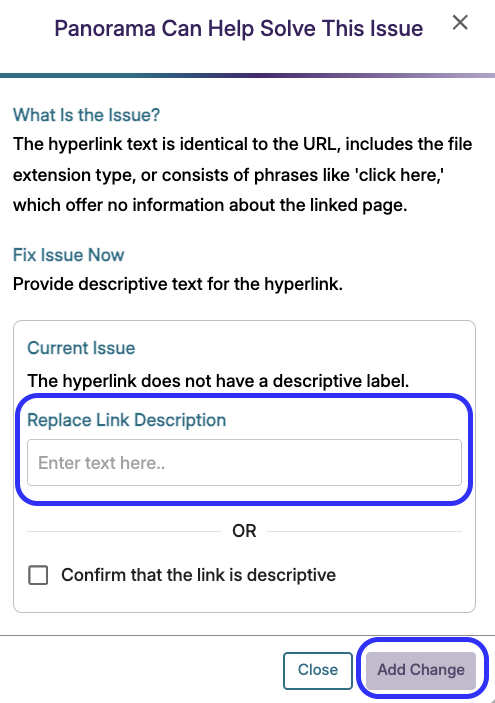
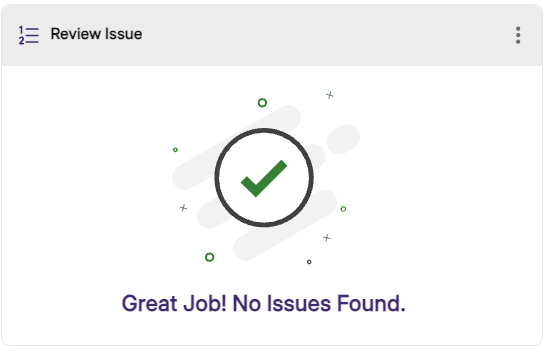
Updating URLs in Moodle to be Accessible (using Panorama)Updating URLs in Moodle to be Accessible (using Panorama)In this tutorial, you will learn how to update your long URLs/hyperlinks to make them short and descriptive.
| |||||||||||||||||||||



Background Colour
Font Face
Font Kerning
Font Size
Image Visibility
Letter Spacing
Line Height
Link Highlight
Text Colour