Matt Litchford

Finding Your Advisor

by Matt Litchford - Tuesday, October 28, 2025, 8:59 AM
 

Step 1

From the MySCC Dashboard, select Self-Service

"e" icon for Self-Service

Step 2

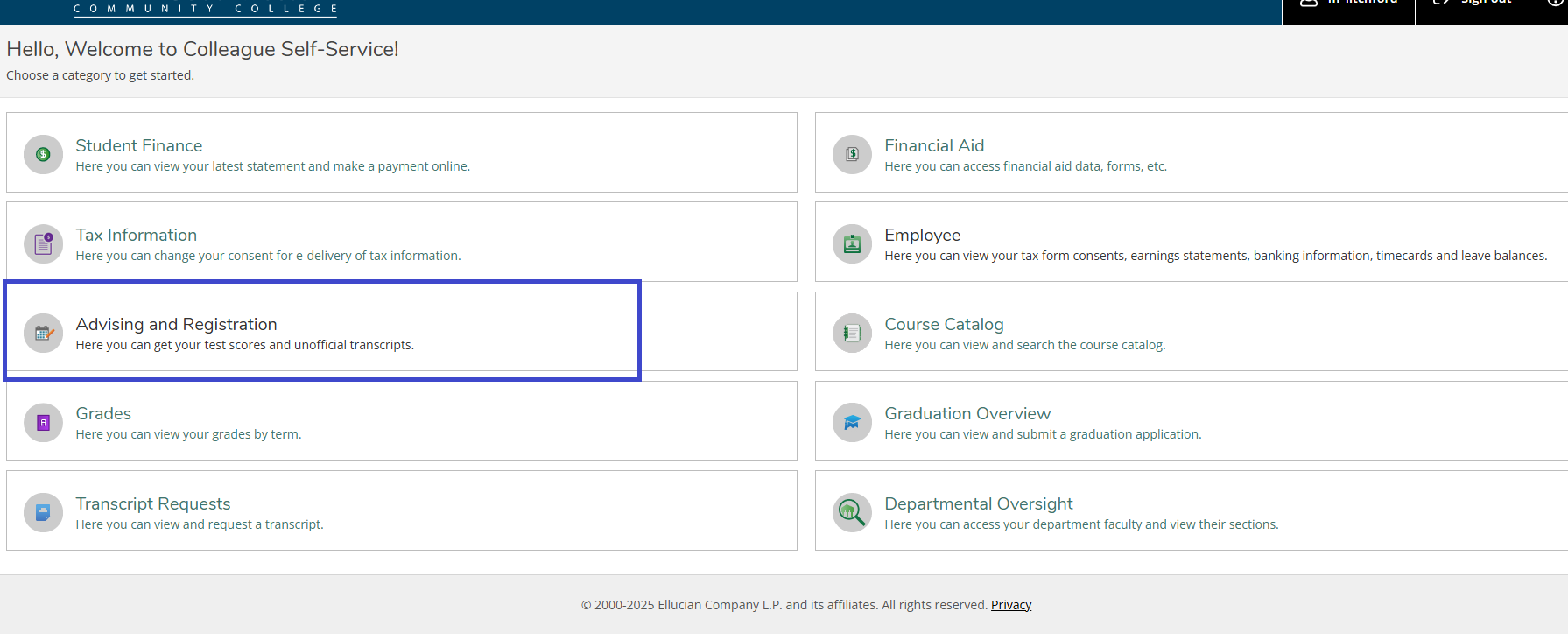
Select the Advising and Registration section on your homepage.

Self-Service Home Page with Advising and registration highlighted


Step 3

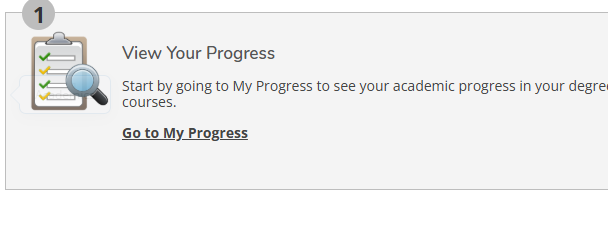
Select Go to My Progress on the resulting page.

My Progress tab on Advising Page


Step 4

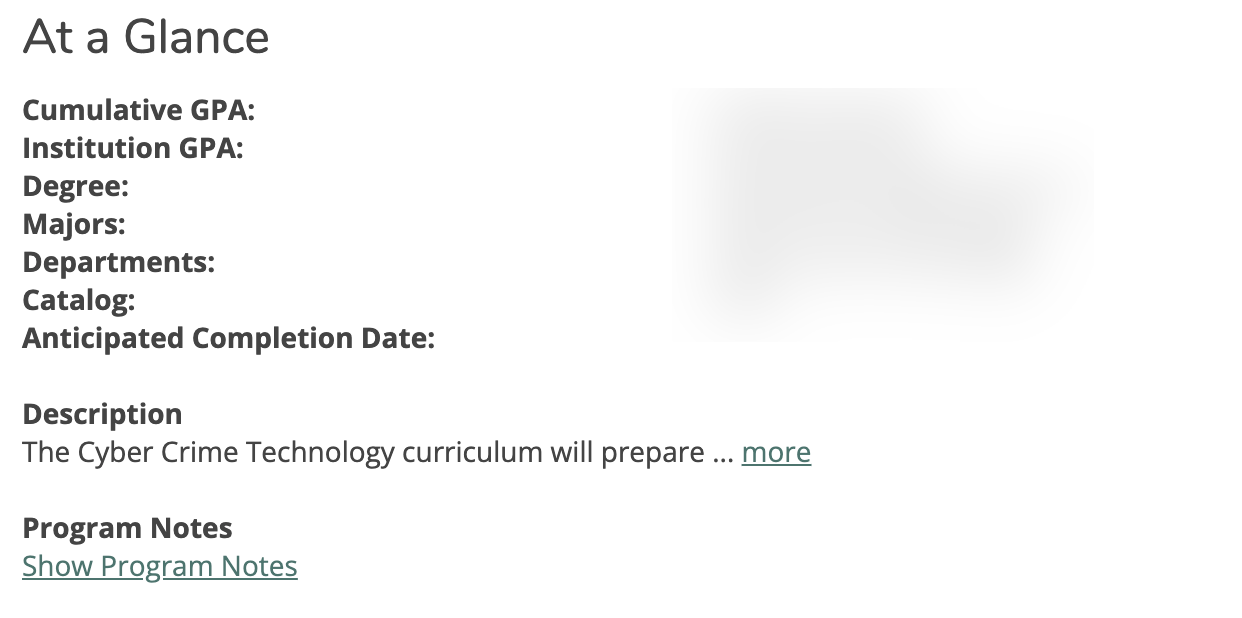
Click Show Program Notes.

At a Glance Menu

Step 5

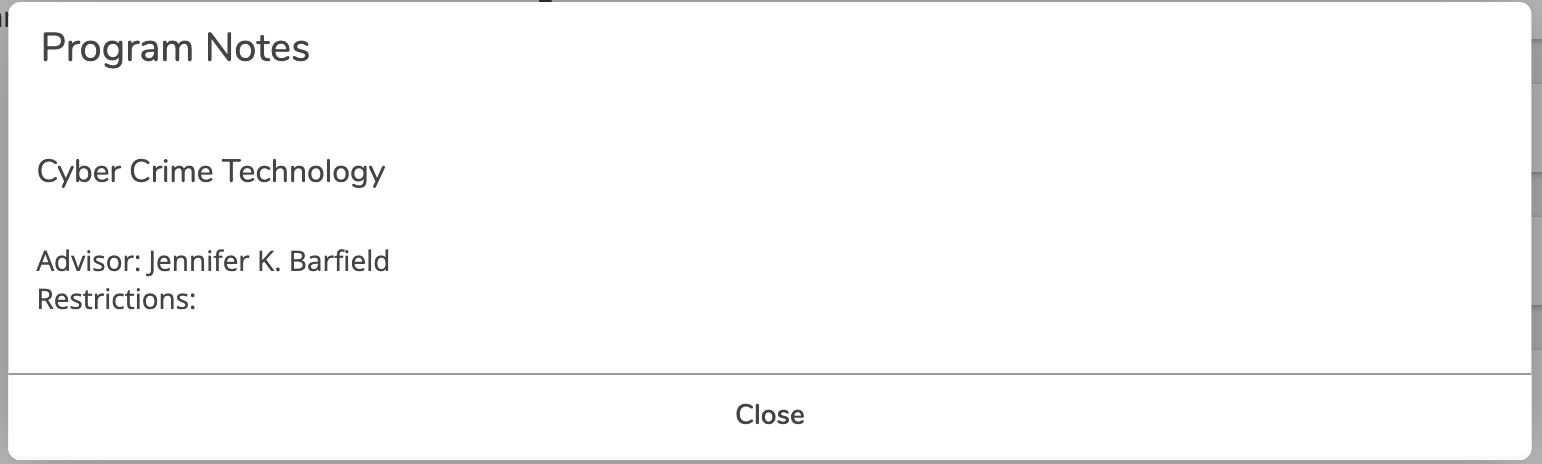
Your Advisor will be listed on the resulting screen Program Notes Pop-up

» Using Self Service

Accessibility

Background Colour Background Colour

Font Face Font Face

Font Kerning Font Kerning

Font Size Font Size

1

Image Visibility Image Visibility

Letter Spacing Letter Spacing

0

Line Height Line Height

1.2

Link Highlight Link Highlight

Text Colour Text Colour