Bethany Emory

Self-Service - How to Find Your Financial Aid Page

by Bethany Emory - Tuesday, August 19, 2025, 10:38 AM
 
How to Find Your Financial Aid Page

Step 1

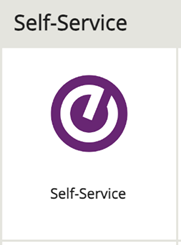
From the MySCC Dashboard, select the Self-Service icon.

 Self Service Icon

Step 2

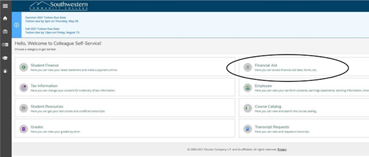
Once in Self-Service select the Finacial Aid section on your homepage.

 Financial aid section highlighted in blue


Step 3

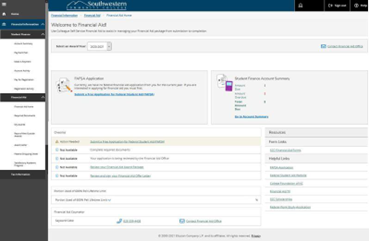
On the resulting page, you will find helpful information and links such as your FASFA application status, Account Summary, SCC Scholarships, Payment Plan, and Work Study Application.

 Example page of Financial Aid


Questions? Please submit a Help Ticket to SCC E-Learning (under "Select Type of Help," choose "Moodle Assistance")

» Using Self Service

Accessibility

Background Colour Background Colour

Font Face Font Face

Font Kerning Font Kerning

Font Size Font Size

1

Image Visibility Image Visibility

Letter Spacing Letter Spacing

0

Line Height Line Height

1.2

Link Highlight Link Highlight

Text Colour Text Colour